


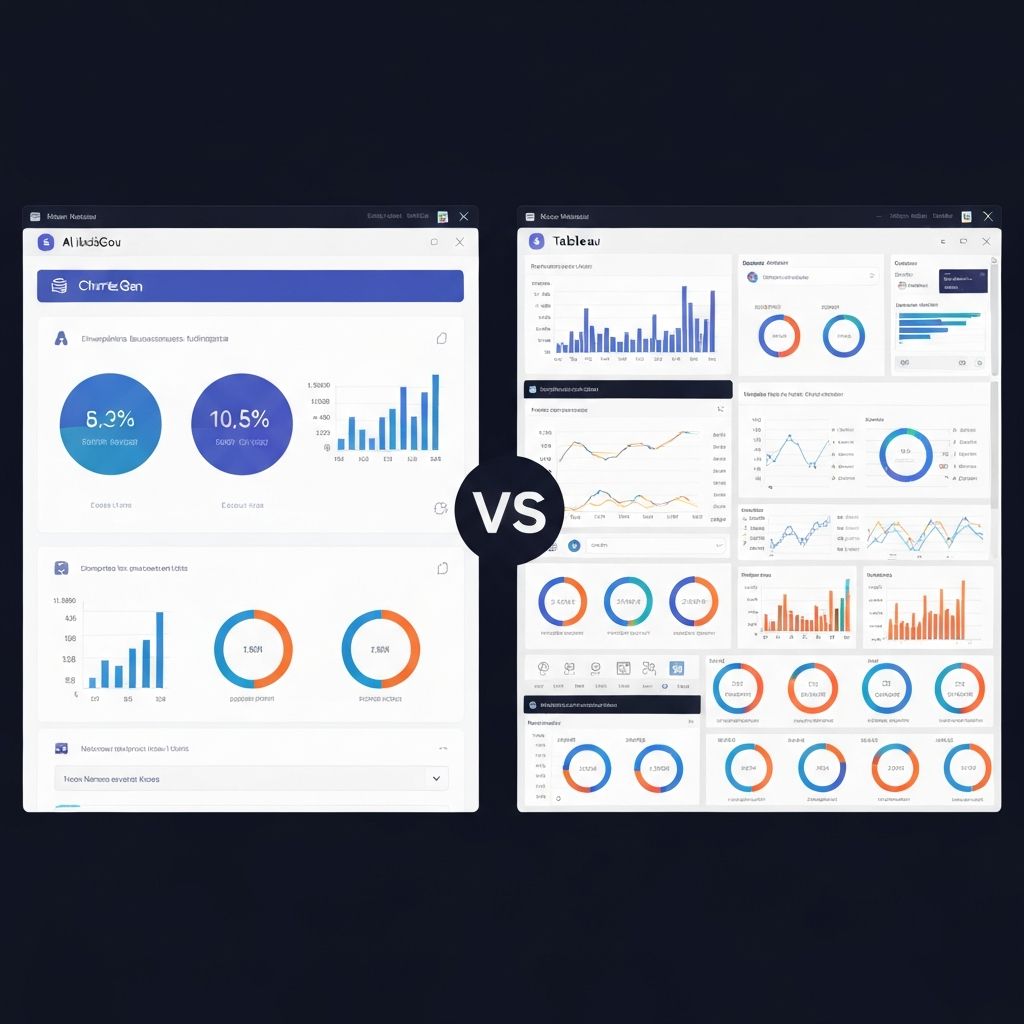
Choosing the right data visualization tool can make or break your analytics workflow. As someone who's implemented both enterprise BI platforms and lightweight visualization tools for clients ranging from startups to Fortune 500 companies, I've seen firsthand how the wrong choice leads to frustrated teams and underutilized investments.
This comparison breaks down ChartGen and Tableau across every dimension that matters—so you can make an informed decision for your specific needs.
Overview: Two Different Philosophies
ChartGen
ChartGen represents a new generation of AI-powered visualization tools. The core philosophy: describe what you want, and AI creates it.
- Approach: Natural language input, AI-generated outputs
- Target user: Business users, analysts, marketers, executives
- Learning curve: Minutes to first chart
- Primary use case: Quick, professional visualizations for reports and presentations
Tableau
Tableau is the industry-standard enterprise BI platform. The core philosophy: powerful tools for those who master them.
- Approach: Visual query builder with extensive customization
- Target user: Data analysts, BI developers, data-savvy business users
- Learning curve: Weeks to proficiency, months to mastery
- Primary use case: Complex analysis, enterprise dashboards, self-service BI
Feature Comparison
Chart Creation Speed
| Aspect | ChartGen | Tableau |
|---|---|---|
| Time to first chart | 30 seconds | 10-15 minutes |
| Learning required | None | Training needed |
| Data connection | Paste or upload | Configure connection |
| From idea to export | 2-3 minutes | 15-30 minutes |
ChartGen advantage: Describe your chart in plain English ("Show me monthly sales by region as a bar chart"), paste your data, and export. No training required.
Tableau advantage: Once you know the tool, complex multi-sheet dashboards with calculated fields are possible—but the learning curve is steep.
Chart Types Supported
| Chart Type | ChartGen | Tableau |
|---|---|---|
| Bar/Column | Yes | Yes |
| Line | Yes | Yes |
| Pie/Donut | Yes | Yes |
| Area | Yes | Yes |
| Scatter | Yes | Yes |
| Heatmap | Yes | Yes |
| Combo | Yes | Yes |
| Waterfall | Yes | Yes |
| Funnel | Yes | Yes |
| Geographic Maps | Coming soon | Yes (extensive) |
| Treemap | Coming soon | Yes |
| Gantt | No | Yes |
| Custom Visualizations | No | Yes (extensions) |
Tableau advantage: More chart types, especially geographic mapping and specialized charts.
ChartGen advantage: Covers the 9 chart types that account for 90% of business visualization needs. No clutter from rarely-used options.
AI and Automation
| Feature | ChartGen | Tableau |
|---|---|---|
| Natural language queries | Yes (core feature) | Limited (Ask Data) |
| Auto chart recommendation | Yes | Basic |
| Auto-generated insights | Yes | No |
| AI-powered formatting | Yes | No |
| Auto-labeling | Yes | Limited |
ChartGen advantage: AI is central to the experience. You describe what you want; AI handles chart selection, formatting, and insight generation.
Tableau advantage: "Ask Data" exists but is limited. Tableau's power comes from manual control, not automation.
Data Handling
| Capability | ChartGen | Tableau |
|---|---|---|
| CSV/Excel upload | Yes | Yes |
| Copy-paste data | Yes | Limited |
| Database connections | Via CSV export | Yes (extensive) |
| Live data connections | No | Yes |
| Data blending | No | Yes |
| Data prep tools | Basic | Tableau Prep |
| Row limit | Optimized for under 100K | Millions |
Tableau advantage: Native connections to databases, cloud platforms, and enterprise systems. Essential for enterprise-scale data.
ChartGen advantage: Paste data directly from anywhere—Excel, Google Sheets, reports—without configuring connections. Perfect for quick analysis.
Collaboration and Sharing
| Feature | ChartGen | Tableau |
|---|---|---|
| Export to PNG/PDF | Yes | Yes |
| Export dimensions | 6 presets (PPT, Social, etc.) | Custom |
| Embed in websites | Coming soon | Yes (Tableau Public/Server) |
| Real-time collaboration | Coming soon | Yes (Tableau Cloud) |
| Share via link | Yes | Yes (requires licensing) |
| Version control | Basic | Yes |
Tableau advantage: Enterprise collaboration features—permission controls, commenting, governance.
ChartGen advantage: Export presets for specific use cases (PPT, social media) eliminate guesswork about dimensions and resolution.
Pricing Comparison
ChartGen Pricing
| Plan | Price | Best For |
|---|---|---|
| Free | $0 | Trying the platform, occasional charts |
| Pro | $19/month | Regular users, professionals |
| Team | $49/month/user | Small teams, agencies |
| Enterprise | Custom | Large organizations, API access |
Tableau Pricing
| Plan | Price | Best For |
|---|---|---|
| Tableau Viewer | $15/month/user | View-only access |
| Tableau Explorer | $42/month/user | Self-service exploration |
| Tableau Creator | $75/month/user | Full authoring capability |
| Tableau Server | Custom | On-premise deployment |
Total Cost of Ownership
ChartGen:
- Software cost: $19-49/month
- Training cost: None (minutes to learn)
- Time cost: Minutes per visualization
- Total: Low, predictable
Tableau:
- Software cost: $75/month for creators
- Training cost: $500-2,000 per person
- Implementation: Weeks to months
- Ongoing administration: Required for Server
- Total: Significantly higher, especially for organizations
The real cost difference: A team of 5 business users on ChartGen costs ~$250/month with zero training. The same team on Tableau Creator costs ~$375/month PLUS weeks of training investment.
Use Case Recommendations
Choose ChartGen When:
1. You need charts NOW
- Presentation tomorrow with no time to learn new software
- Quick visualization for an email or Slack message
- Ad-hoc analysis that doesn't justify setup time
2. Your team lacks technical skills
- Marketing teams creating campaign reports
- Sales teams visualizing pipeline data
- Executives building investor presentations
3. You prioritize simplicity over power
- 90% of your charts are standard types
- You don't need live data connections
- Export to static formats (PNG, PDF) is sufficient
4. Budget is constrained
- Startups without BI budget
- Small teams without training bandwidth
- Individuals who can't justify enterprise pricing
Choose Tableau When:
1. You need enterprise-grade BI
- Centralized dashboards for organization-wide KPIs
- Governed, single-source-of-truth reporting
- Complex permission and security requirements
2. Your data is massive or real-time
- Millions of rows requiring optimization
- Live connections to databases/warehouses
- Real-time monitoring dashboards
3. You have dedicated analysts
- Full-time BI developers who can master the tool
- Teams with time for training and certification
- Organizations committed to long-term BI investment
4. You need advanced analytics
- Complex calculations and LOD expressions
- Predictive analytics integration
- Custom visualizations via extensions
The Honest Truth: When Each Tool Falls Short
ChartGen Limitations
Not suitable for:
- Complex multi-dataset analysis requiring joins and blending
- Real-time operational dashboards
- Geographic mapping with detailed regional data
- Organizations requiring enterprise governance and audit trails
- Custom visualization types not in the standard library
The gap: ChartGen optimizes for speed and simplicity, which means sacrificing flexibility and power. If you outgrow the 9 standard chart types or need live data integration, you'll hit walls.
Tableau Limitations
Struggles with:
- Quick, one-off visualizations (setup overhead doesn't justify)
- Users unwilling or unable to invest in training
- Simple use cases where power features add complexity
- Budget-constrained teams or individuals
- Non-technical users without analyst support
The gap: Tableau's power comes with complexity. For organizations where data visualization is a full-time function, that's fine. For teams where charts are a small part of the job, it's overkill.
Migration Considerations
Moving from Tableau to ChartGen
Good candidates for migration:
- Casual Tableau users who only use basic charts
- Teams frustrated by Tableau's learning curve
- Use cases where real-time data isn't needed
- Budget-driven consolidation efforts
Migration approach:
- Identify simple, recurring chart needs
- Test ChartGen with representative data
- Run parallel for one reporting cycle
- Transition non-dashboard use cases first
Moving from ChartGen to Tableau
Triggers for upgrade:
- Need for live database connections
- Requirement for embedded analytics
- Demand for more chart types (geographic, etc.)
- Organization scaling BI function
Migration approach:
- Keep ChartGen for quick/ad-hoc needs
- Use Tableau for complex, recurring dashboards
- Transition based on use case, not wholesale replacement
Hybrid Approach: Best of Both Worlds
Many organizations benefit from using both tools strategically:
Use ChartGen for:
- Executive presentations and board decks
- Marketing campaign visualizations
- Quick data exploration before deeper analysis
- External reports and client deliverables
- Social media graphics
Use Tableau for:
- Operational dashboards viewed daily
- Self-service analytics for analyst teams
- Complex analysis requiring multiple data sources
- Embedded analytics in products
The synergy: Analysts build complex Tableau dashboards for deep analysis, then use ChartGen to create polished exports for presentations and reports. Different tools for different purposes.
Making Your Decision: A Framework
Answer these questions:
1. Who will create visualizations?
- Technical analysts → Consider Tableau
- Business users → Consider ChartGen
2. How often do you visualize data?
- Daily/hourly dashboards → Consider Tableau
- Weekly reports/presentations → Consider ChartGen
3. How complex is your data infrastructure?
- Enterprise databases, real-time needs → Consider Tableau
- Spreadsheets, exports, simple datasets → Consider ChartGen
4. What's your budget for training?
- Can invest weeks in training → Consider Tableau
- Need productive immediately → Consider ChartGen
5. How important is speed vs. power?
- Speed and simplicity → ChartGen
- Power and flexibility → Tableau
Conclusion
ChartGen and Tableau serve different needs—and recognizing that difference is key to choosing correctly.
ChartGen excels at making data visualization accessible, fast, and beautiful without a learning curve. It's the right choice for business users, quick analyses, and situations where time-to-chart matters more than advanced functionality.
Tableau excels at enterprise-scale BI with powerful analysis capabilities. It's the right choice for dedicated analytics teams, complex data environments, and organizations committed to building data culture.
For many organizations, the answer isn't either/or—it's both tools serving different purposes in the data visualization workflow.
The best tool is the one that gets used. If Tableau sits idle because it's too complex, it's not serving you. If ChartGen leaves you wanting more power, it might be time to invest in Tableau training.
Choose based on your reality, not aspirations.