

"ChartGen.ai transformed how I create stock analysis reports. I just upload my data and get beautiful OHLC charts in seconds. Perfect for my weekly market newsletter."
AI-Powered Financial Charts
Free AI OHLC Chart Generator
Create Professional Financial Charts Online
Transform your financial data into professional OHLC (Open-High-Low-Close) charts with AI. Upload stock data, forex prices, or cryptocurrency information. Generate publication-ready charts with automatic bullish/bearish coloring, volume integration, and smart timeframe detection. No coding required.
No signup required
Export as PNG
Volume integration
OHLC Chart Use Cases for Every Market
From stock analysis to cryptocurrency tracking, forex trading to commodity markets - ChartGen.ai creates professional OHLC charts for all your financial visualization needs
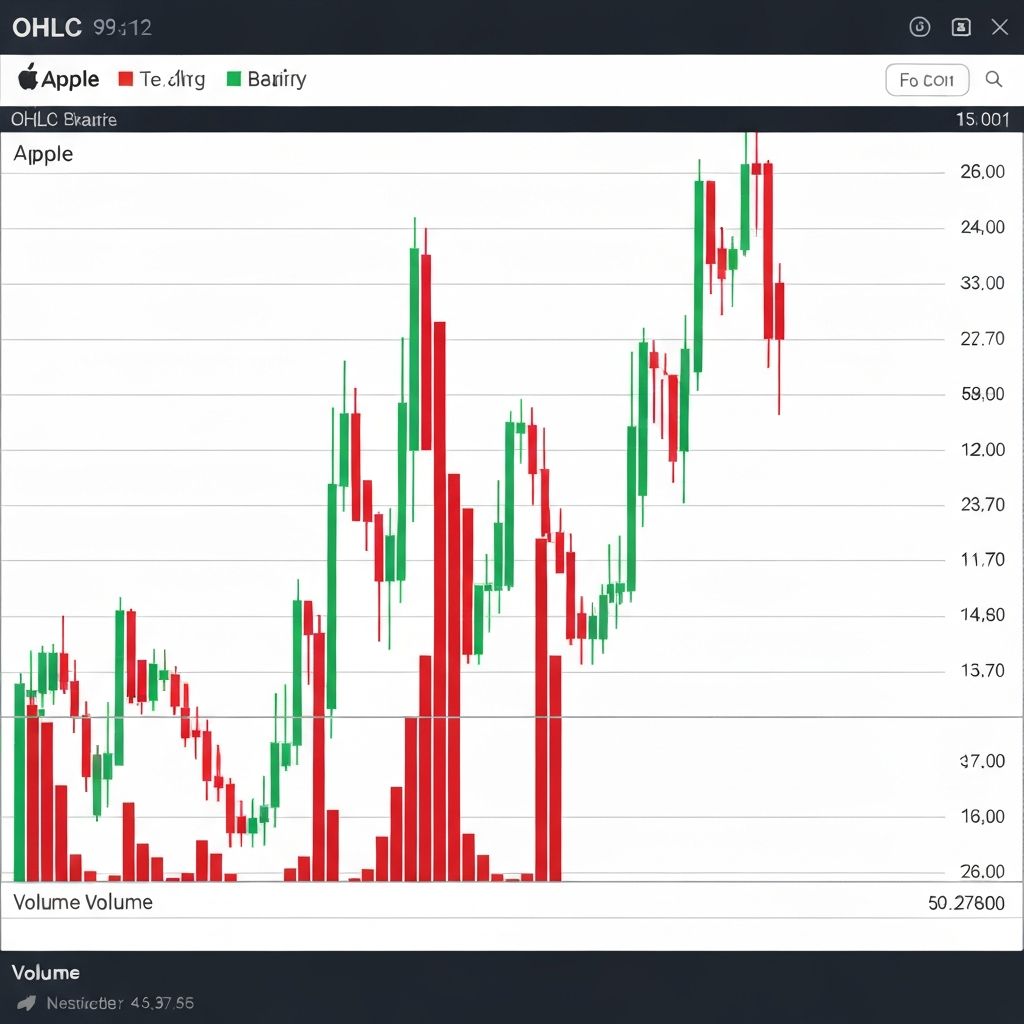
Stock Price Analysis
Analyze daily, weekly, or monthly stock price movements with OHLC bars. Visualize opening gaps, trading ranges, and closing trends to make informed investment decisions and identify market patterns.
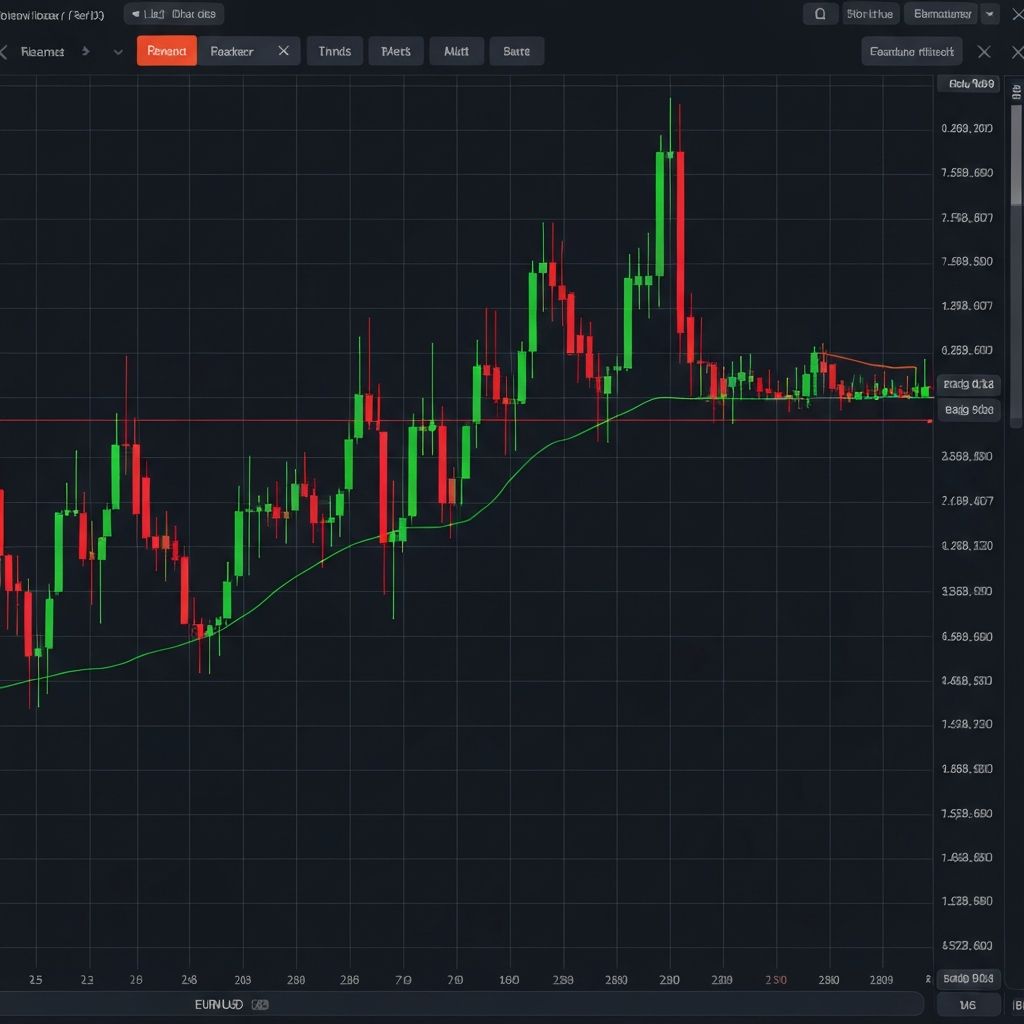
Forex Trading Charts
Create professional forex OHLC charts for currency pair analysis. Track exchange rate fluctuations, identify support and resistance levels, and visualize price action for EUR/USD, GBP/USD, and other major pairs.
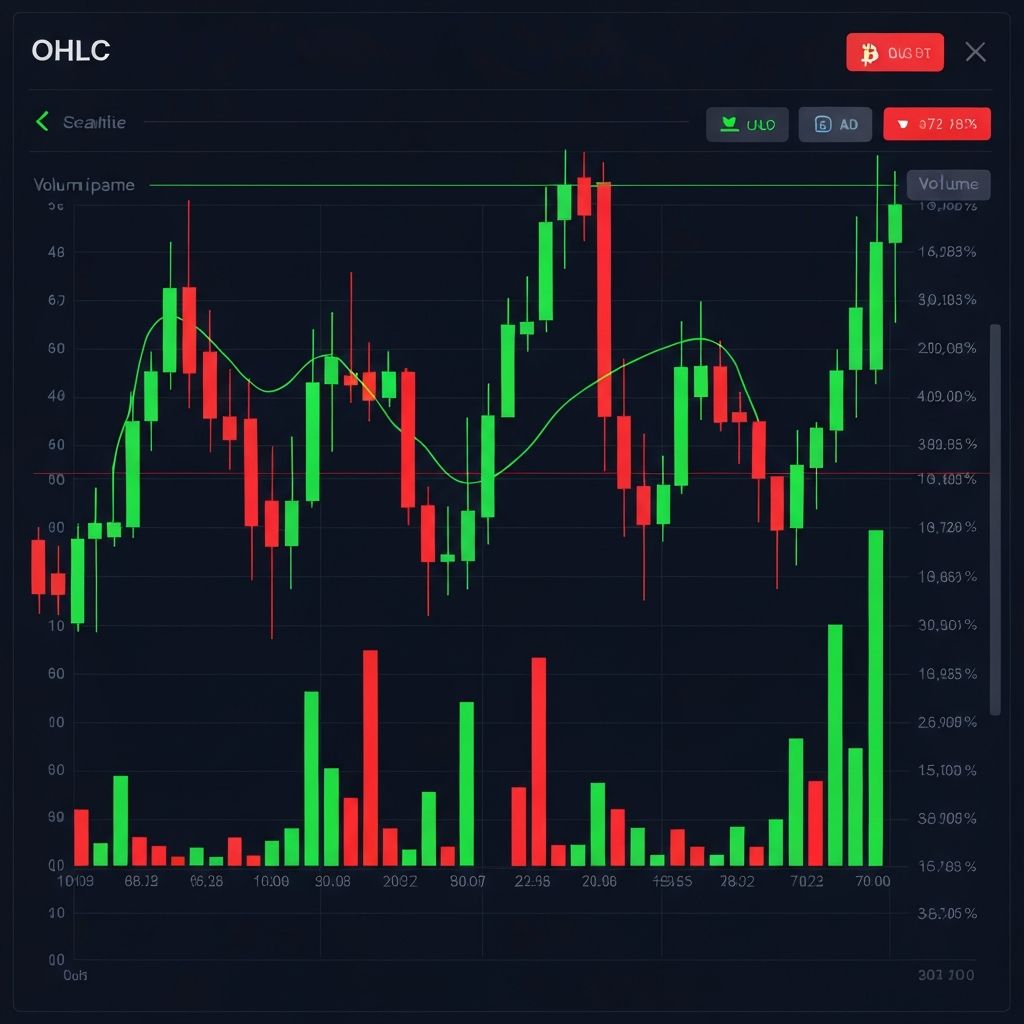
Cryptocurrency Tracking
Monitor Bitcoin, Ethereum, and altcoin price movements with detailed OHLC visualization. Perfect for crypto traders analyzing volatility, breakout patterns, and market momentum across timeframes.
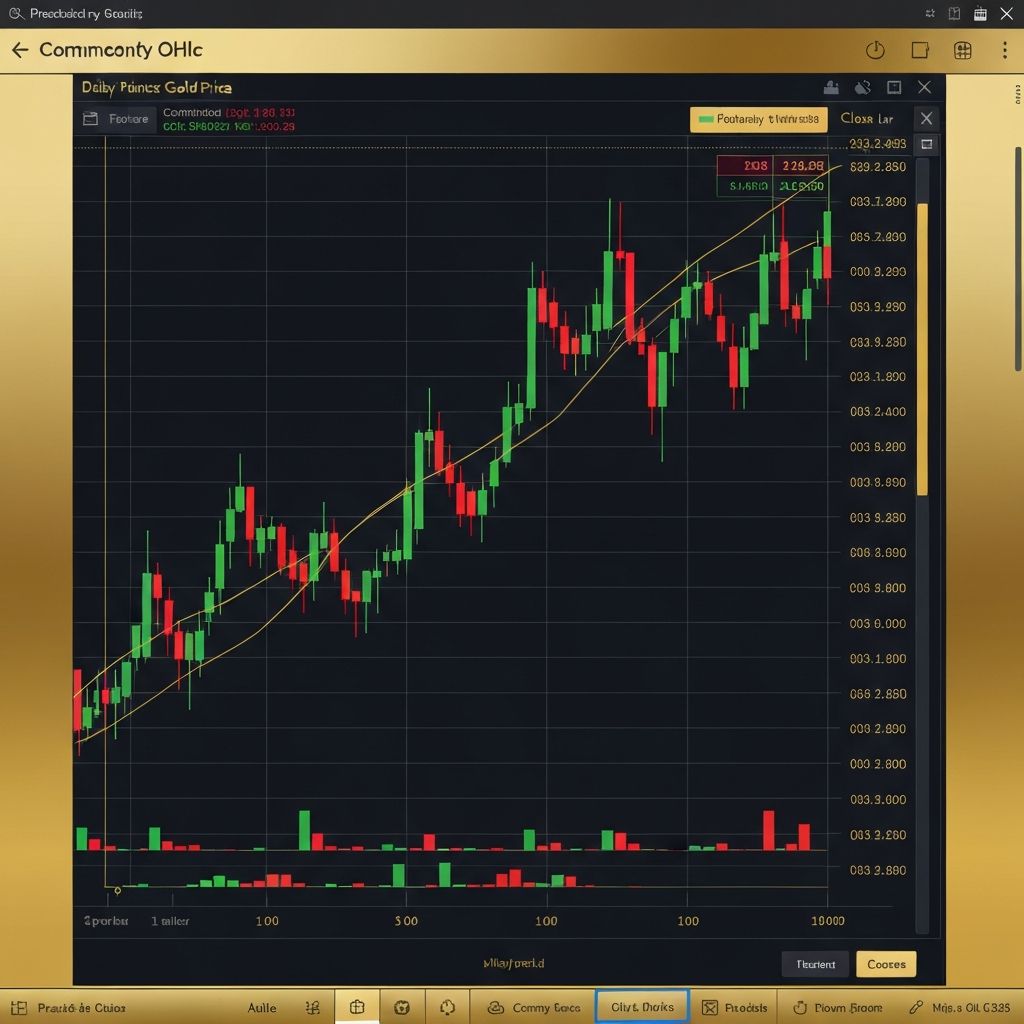
Commodity Price Charts
Visualize commodity prices including gold, silver, oil, and agricultural products. OHLC charts help traders and analysts understand price volatility and seasonal patterns in commodity markets.
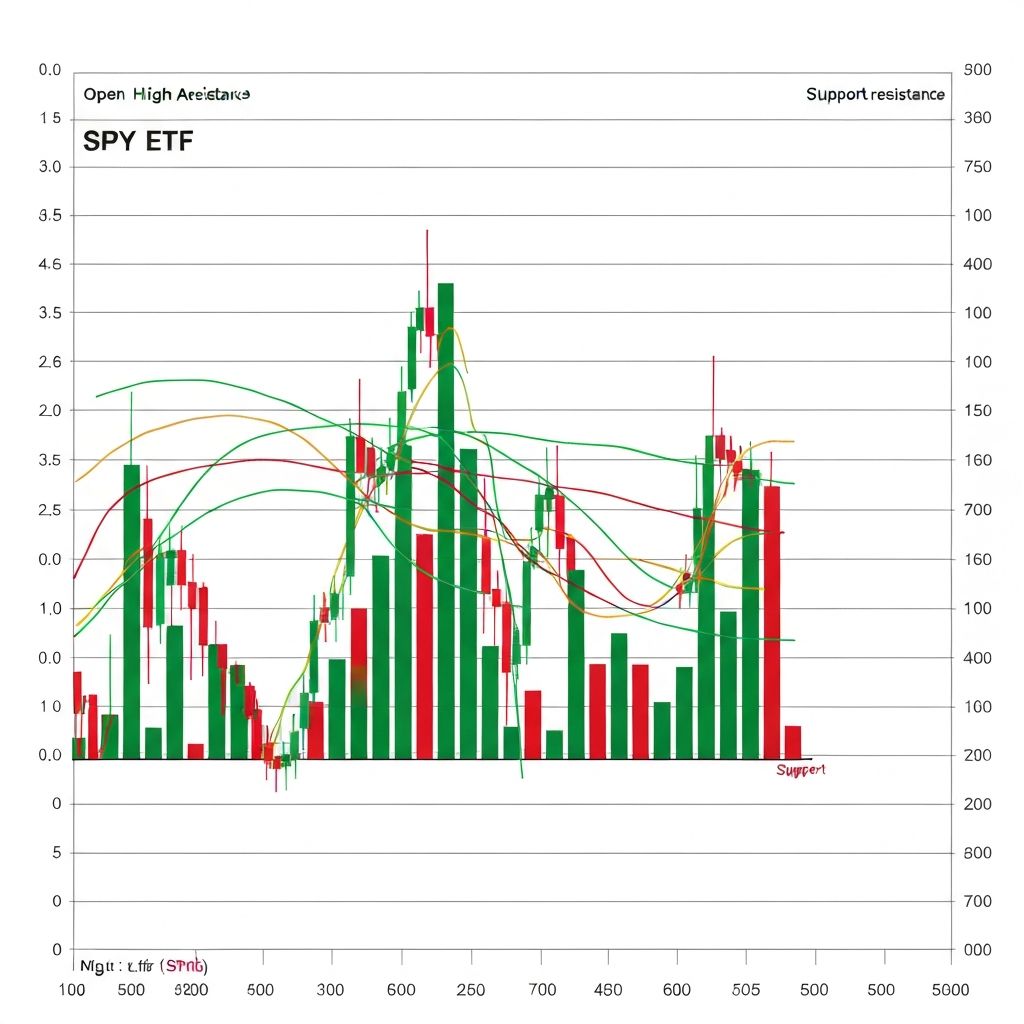
Technical Analysis Reports
Generate publication-ready OHLC charts for technical analysis reports, research papers, and client presentations. Export high-quality visuals with proper labeling and professional styling.
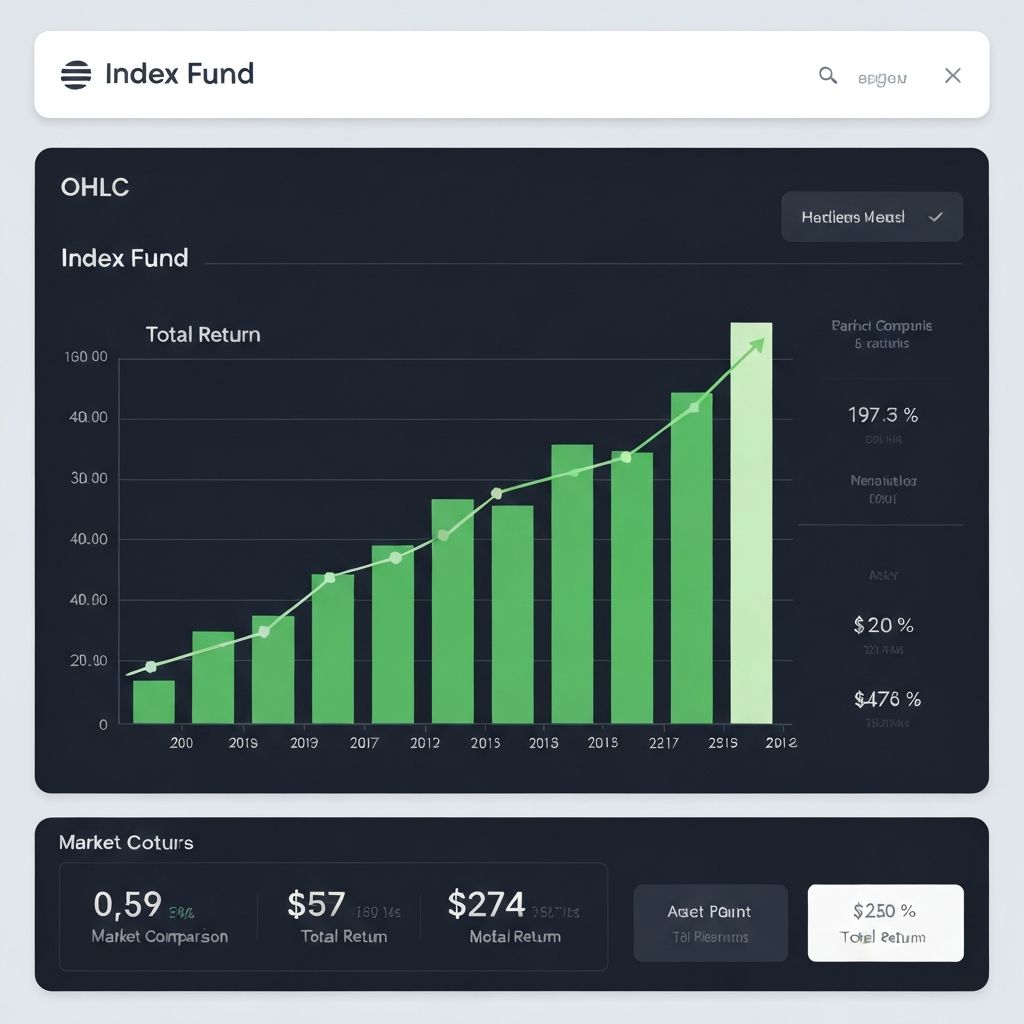
Portfolio Performance
Track and compare portfolio holdings with OHLC charts. Visualize individual asset performance, identify entry and exit points, and create comprehensive portfolio review presentations.
How to Create an OHLC Chart Online in 3 Simple Steps
Upload your financial data, describe your chart needs, or paste OHLC values directly. Our AI-powered generator creates professional charts automatically
Professional OHLC Chart Ready
1. Input Your Data
Upload a CSV or Excel file with OHLC data, paste data directly, or describe your chart in plain English
2. AI Processes Data
The AI automatically detects Open, High, Low, Close columns, validates data integrity, and formats the chart
3. Export Your Chart
Customize colors, add volume bars, adjust styling, and export as high-quality PNG for reports and presentations
Powerful OHLC Chart Generation Features
Everything you need to create professional financial charts - from AI-powered data processing to publication-ready exports
AI-Powered OHLC Generation
Advanced AI analyzes your financial data to automatically generate accurate OHLC charts. Simply describe your data or upload a file, and the AI creates properly formatted Open-High-Low-Close visualizations.
Natural Language Input
Describe your chart in plain English: 'Create an OHLC chart for AAPL stock from Q1 2024' or 'Generate a weekly forex chart for EUR/USD'. No manual data formatting required.
Multiple Data Sources
Upload CSV, Excel files with OHLC data, or paste data directly. The AI automatically detects date columns, open/high/low/close values, and creates properly structured financial charts.
Flexible Timeframes
Generate OHLC charts for any timeframe - from minute-by-minute intraday data to daily, weekly, monthly, or yearly aggregations. The AI adapts axis labels and spacing automatically.
Trend Indicators
Visualize bullish and bearish periods with color-coded OHLC bars. Green bars for closing higher than opening, red for closing lower - instantly see market sentiment at a glance.
Volume Integration
Optionally include trading volume bars below your OHLC chart for complete price-volume analysis. Understand the strength behind price movements with integrated volume visualization.
Professional Styling
Choose from financial-grade color themes optimized for OHLC charts. Options include classic green/red, Bloomberg-style, dark mode for trading screens, and print-friendly palettes.
Accurate Data Handling
AI ensures data integrity with automatic validation of OHLC relationships (High >= Open, Close, Low). Handles stock splits, missing data points, and weekend gaps intelligently.
High-Resolution Export
Export OHLC charts as high-resolution PNG images perfect for trading reports, investment presentations, and financial publications. Clean formatting ensures professional appearance.
Trusted by Financial Professionals
See how traders, analysts, and financial professionals use ChartGen.ai to create OHLC charts
"As a forex trader, I need quick OHLC charts for multiple currency pairs. This tool lets me describe what I need in plain English and generates exactly what I want."
"The AI understands financial data perfectly. I uploaded a messy CSV and it automatically identified the OHLC columns and created a clean, professional chart."
"Finally a tool that makes OHLC charts accessible to everyone. My clients love the professional-looking charts I include in their portfolio reports."
"I use ChartGen for my crypto trading analysis. The volume integration feature is amazing - I can see price action and volume together in one clean chart."
"The color themes are perfect for financial presentations. I can switch between light mode for reports and dark mode for trading screen mockups instantly."
"Tested it with commodity data going back years. It handled everything perfectly - date formatting, price scaling, even adjusted for the different trading hours."
"Our research team uses ChartGen for all our technical analysis charts now. The export quality is excellent and the charts look great in our published reports."
"I described 'weekly OHLC for S&P 500 showing the 2023 rally' and got exactly what I needed. The AI really understands financial context."
"Perfect for creating educational content about trading. I can generate example OHLC charts to explain candlestick patterns to my students."
"The automatic bullish/bearish coloring saves so much time. No more manually formatting each bar - the AI does it all correctly."
"We replaced our expensive charting software subscription with ChartGen for static chart generation. Same quality, fraction of the cost."
"ChartGen.ai transformed how I create stock analysis reports. I just upload my data and get beautiful OHLC charts in seconds. Perfect for my weekly market newsletter."
"As a forex trader, I need quick OHLC charts for multiple currency pairs. This tool lets me describe what I need in plain English and generates exactly what I want."
"The AI understands financial data perfectly. I uploaded a messy CSV and it automatically identified the OHLC columns and created a clean, professional chart."
"Finally a tool that makes OHLC charts accessible to everyone. My clients love the professional-looking charts I include in their portfolio reports."
"I use ChartGen for my crypto trading analysis. The volume integration feature is amazing - I can see price action and volume together in one clean chart."
"The color themes are perfect for financial presentations. I can switch between light mode for reports and dark mode for trading screen mockups instantly."
"Tested it with commodity data going back years. It handled everything perfectly - date formatting, price scaling, even adjusted for the different trading hours."
"Our research team uses ChartGen for all our technical analysis charts now. The export quality is excellent and the charts look great in our published reports."
"I described 'weekly OHLC for S&P 500 showing the 2023 rally' and got exactly what I needed. The AI really understands financial context."
"Perfect for creating educational content about trading. I can generate example OHLC charts to explain candlestick patterns to my students."
"The automatic bullish/bearish coloring saves so much time. No more manually formatting each bar - the AI does it all correctly."
"We replaced our expensive charting software subscription with ChartGen for static chart generation. Same quality, fraction of the cost."
Frequently Asked Questions
Everything you need to know about creating OHLC charts with ChartGen.ai
Ready to Create Professional OHLC Charts?
Transform your financial data into publication-ready OHLC charts in seconds. No coding required, no signup needed. Start generating professional charts now.