


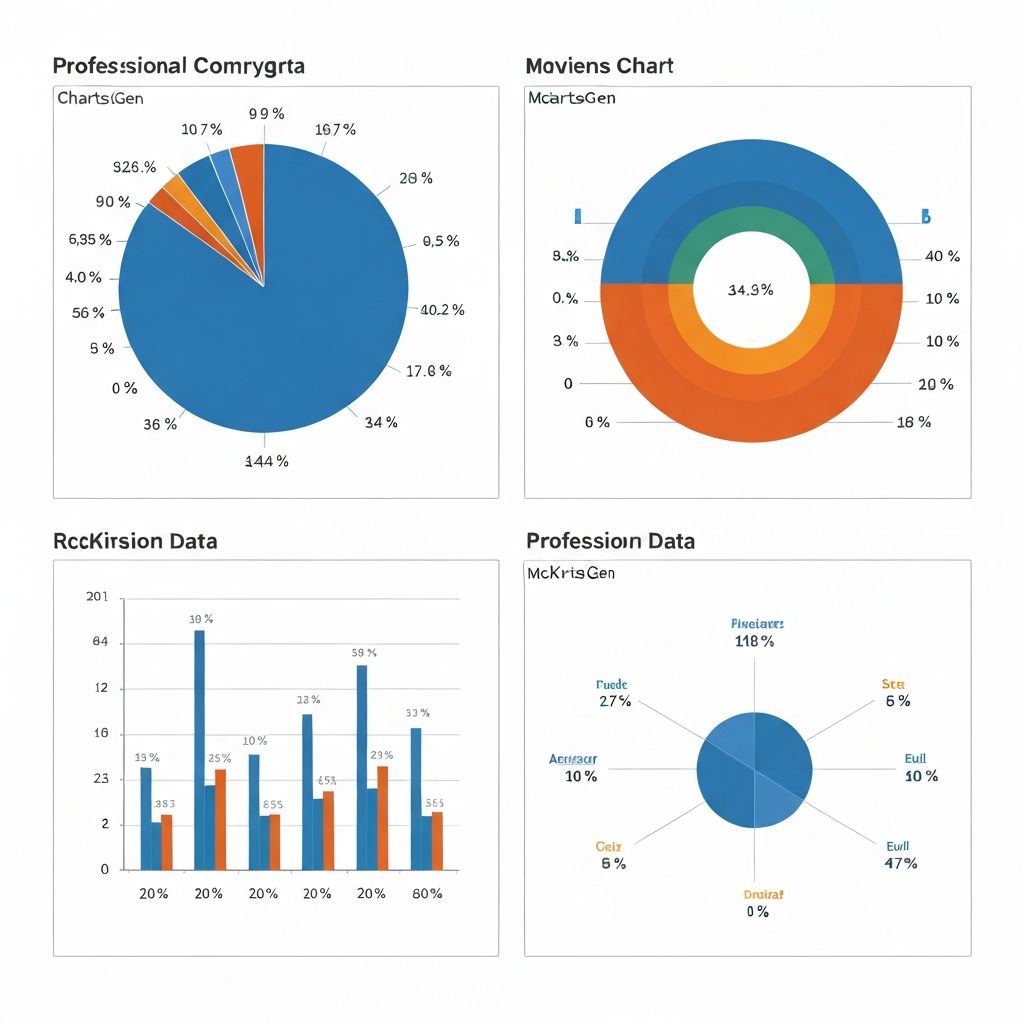
When you need to show how parts relate to a whole, choosing the right chart makes the difference between instant understanding and confused audiences. This guide compares every chart type for percentage breakdowns and tells you exactly which to use.
The Core Question: What Story Are You Telling?
Before choosing a chart, clarify your message:
- "Category X dominates" → Pie or donut chart
- "Look at these exact percentages" → Stacked bar with labels
- "Compare composition across groups" → 100% stacked bar
- "See the hierarchy within percentages" → Treemap
- "Track composition changes over time" → Stacked area chart
Your story determines your chart.
Pie Charts: The Classic (and Most Debated)
When Pie Charts Work
Pie charts are effective when:
- You have 5 or fewer categories
- One segment clearly dominates (over 50%)
- Exact precision isn't critical
- Your audience expects pie charts (they're familiar)
Best use case: "Mobile accounts for 62% of our traffic"
A pie chart immediately shows dominance. The viewer grasps the main point without reading numbers.
When Pie Charts Fail
Pie charts fail when:
- Segments are similar in size (hard to compare angles)
- You have 6+ categories (becomes illegible)
- You need to compare multiple groups
- Precision matters more than impression
Worst use case: Five products at 18%, 19%, 20%, 21%, 22%
No one can visually distinguish these segments. Use a bar chart instead.
Pie Chart Best Practices
If you use a pie chart:
- Start the largest segment at 12 o'clock
- Arrange segments clockwise by size (largest first)
- Use direct labels, not legends
- Include percentages on the chart itself
- Use distinct colors, not gradients
Donut Charts: Pie Charts Evolved
Donut charts are pie charts with a center hole. This seemingly simple change has real benefits.
Advantages Over Pie Charts
- Central KPI display: Put a headline number in the middle
- Cleaner appearance: The hole reduces visual clutter
- Better for multiples: Easier to compare side-by-side donuts
- Modern aesthetics: Looks more contemporary in dashboards
Ideal use: "Customer Satisfaction: 87%" as the central number, with breakdown around it.
When to Choose Donut Over Pie
Use donut when:
- You have a single headline metric to feature
- You're creating a modern dashboard
- You'll show multiple donuts for comparison
- The center space adds value
Use pie when:
- Traditional appearance matters (board presentations)
- Maximum segment area is needed
- No central metric to display
Donut Chart Best Practices
- Keep the hole size between 40-60% of diameter
- Use the center for key metrics, totals, or icons
- Maintain the same hole proportion when comparing multiple donuts
- Consider animation for single-metric progress indicators
Stacked Bar Charts: The Flexible Alternative
100% Stacked Bar Chart
This chart type normalizes all bars to 100%, making composition comparison easy.
When to use:
- Comparing composition across multiple groups
- Showing how percentages differ by category
- Survey results by demographic
- Market share by region
Example data:
| Region | Product A | Product B | Product C |
|---|---|---|---|
| North | 45% | 35% | 20% |
| South | 30% | 45% | 25% |
| East | 50% | 30% | 20% |
| West | 35% | 40% | 25% |
Why it beats pie: You can't effectively compare four pie charts. The stacked bar makes patterns obvious—Product A dominates in East, Product B dominates in South.
Horizontal vs. Vertical Stacked Bar
Use horizontal when:
- Category names are long
- You have many categories
- Reading left-to-right is natural
Use vertical when:
- Time is the x-axis
- Few categories (under 6)
- Showing growth or change
Stacked Bar Best Practices
- Put the most important segment at the baseline (bottom or left)
- Keep the same segment in the same color across all bars
- Add percentage labels when precision matters
- Limit to 5-6 segments maximum
Treemaps: For Complex Hierarchies
Treemaps show hierarchical percentages using nested rectangles. Size represents proportion.
When Treemaps Excel
Use treemaps when:
- You have 10+ categories
- Data has hierarchy (category → subcategory)
- Size differences are significant
- Space efficiency matters
Best use case: Budget allocation across 15 departments, with breakdown by expense type within each department.
When to Avoid Treemaps
Avoid treemaps when:
- Segments are similar in size
- Hierarchy isn't meaningful
- Your audience isn't data-savvy
- Exact percentages matter more than overview
Treemap Best Practices
- Use color to show groupings, not just decoration
- Include labels only on segments large enough to fit them
- Maintain aspect ratio close to 1:1 (square-ish)
- Provide hover details for interactive versions
Waffle Charts: The Precise Alternative
Waffle charts use grids (typically 10x10 = 100 squares) where filled squares represent percentages.
Advantages
- Intuitive: "73 out of 100" is instantly understood
- Precise: Each square = 1%, making comparison accurate
- Engaging: Unique appearance captures attention
- Accessible: Works for colorblind viewers when using shapes
When to Use Waffle Charts
- Showing a single percentage with impact (73% of waste is plastic)
- Infographics and public communications
- When you want viewers to "count" and engage
- Comparing two percentages side by side
Waffle Chart Limitations
- Takes more space than pie/donut
- Hard to show many categories
- Can feel childish in formal contexts
- Not suitable for precise comparisons of similar values
Stacked Area Charts: Percentages Over Time
When composition changes over time, stacked area charts show the evolution.
100% Stacked Area
Normalizes each time period to 100%, focusing on proportion changes.
Best use case: How market share has shifted among competitors over 5 years.
Regular Stacked Area
Shows both composition and total changes.
Best use case: Revenue by product line growing over time (shows both total growth and mix shift).
When to Use Each
- 100% stacked: When total doesn't matter, only proportions
- Regular stacked: When both total and composition matter
- Multiple line charts: When overlap would be confusing
Comparison Matrix: Choosing Your Chart
| Scenario | Best Chart | Why |
|---|---|---|
| 3-4 categories, one dominant | Pie chart | Shows dominance clearly |
| 5 categories, featuring a KPI | Donut chart | Central number adds context |
| Comparing composition across groups | 100% stacked bar | Direct comparison |
| 10+ categories with hierarchy | Treemap | Handles complexity |
| Single percentage for impact | Waffle chart | Engaging and precise |
| Composition over time | Stacked area | Shows evolution |
| Precise values matter most | Bar chart with labels | No distortion |
Real-World Examples
Example 1: Marketing Budget Breakdown
Data: Digital 45%, Events 25%, Content 15%, PR 10%, Other 5%
Best choice: Donut chart with "Total: $500K" in center
Why: Clear dominance of digital, central total adds context, clean and professional.
Example 2: Sales by Region Over 4 Quarters
Data: Four regions, four time periods
Best choice: 100% stacked bar chart (horizontal, one bar per quarter)
Why: Easy comparison of regional share changes over time.
Example 3: Website Traffic Sources
Data: 8 traffic sources ranging from 2% to 35%
Best choice: Horizontal bar chart (not percentage-specific)
Why: Too many segments for pie, similar sizes make comparison hard. Bar shows ranking clearly.
Example 4: Expense Categories for Annual Report
Data: 6 expense categories totaling to budget
Best choice: Treemap if hierarchy exists, pie if flat
Why: Executives expect traditional formats; hierarchy adds insight.
Common Percentage Visualization Mistakes
Mistake 1: Percentages That Don't Add to 100%
If showing "% of respondents" for multi-select questions, don't use a pie chart. The percentages won't sum to 100%, and you'll confuse everyone.
Fix: Use a bar chart labeled "% of respondents who selected each option."
Mistake 2: Too Many Pie Slices
Seven or more segments make pie charts unreadable.
Fix: Group small categories into "Other" or switch to a bar chart or treemap.
Mistake 3: 3D Pie Charts
3D effects distort perception. Slices facing forward look larger than they are.
Fix: Always use flat, 2D charts.
Mistake 4: Inconsistent Colors Across Charts
If blue means "Product A" in one chart, it should mean "Product A" in all charts.
Fix: Create a color legend and apply consistently.
Mistake 5: Missing Labels
Forcing viewers to match colors to legends creates friction.
Fix: Use direct labels on segments when space permits.
Advanced Techniques
Small Multiples
Show multiple pie/donut charts in a grid for comparison.
Best for: Same breakdown across different time periods, regions, or segments.
Key rule: Keep all charts the same size and use identical colors.
Combination Charts
Pair a pie/donut with a bar chart for detail.
Example: Donut shows overview (60% Digital), bar chart below breaks down Digital into Search, Social, Display, Email.
Interactive Drill-Down
In dashboards, let users click a segment to see its sub-breakdown.
Treemap example: Click "Marketing" to see breakdown by campaign type.
Tools for Percentage Charts
Quick Charts
- ChartGen: AI suggests optimal chart type for your percentage data
- Google Sheets: Built-in pie, donut, stacked charts
- Excel: Wide variety but requires manual formatting
Professional Dashboards
- Tableau: Advanced treemaps and small multiples
- Power BI: Interactive drill-through features
- Looker: Enterprise-grade composition analysis
Design Tools
- Figma: Custom waffle charts and infographics
- Canva: Template-based pie and donut charts
- Adobe Illustrator: Pixel-perfect customization
Quick Decision Framework
Answer these questions:
Q1: How many categories?
- 2-5: Pie, donut, or waffle
- 6-10: Bar chart or simplified pie (with "Other")
- 10+: Treemap or bar chart
Q2: Are you comparing groups?
- Yes: 100% stacked bar
- No: Pie, donut, or treemap
Q3: Does time matter?
- Yes: Stacked area chart
- No: Static pie, bar, or treemap
Q4: Is one category dominant?
- Yes: Pie or donut (emphasizes dominance)
- No: Bar chart (accurate comparison)
Q5: Who's the audience?
- Executives: Pie/donut (familiar and simple)
- Analysts: Bar/treemap (more precise)
- General public: Waffle (engaging and clear)
Conclusion
The best chart for percentage breakdowns depends on your data, audience, and message. Pie charts aren't always wrong—they're just often misused.
Key takeaways:
- Pie charts work for 5 or fewer segments with one dominant
- Donut charts add value when a central metric matters
- Stacked bars excel at comparing composition across groups
- Treemaps handle complexity and hierarchy
- Waffle charts engage viewers with precise counts
Need help choosing? ChartGen analyzes your data and recommends the optimal percentage chart automatically. Try it free and see your breakdown visualized in seconds.