


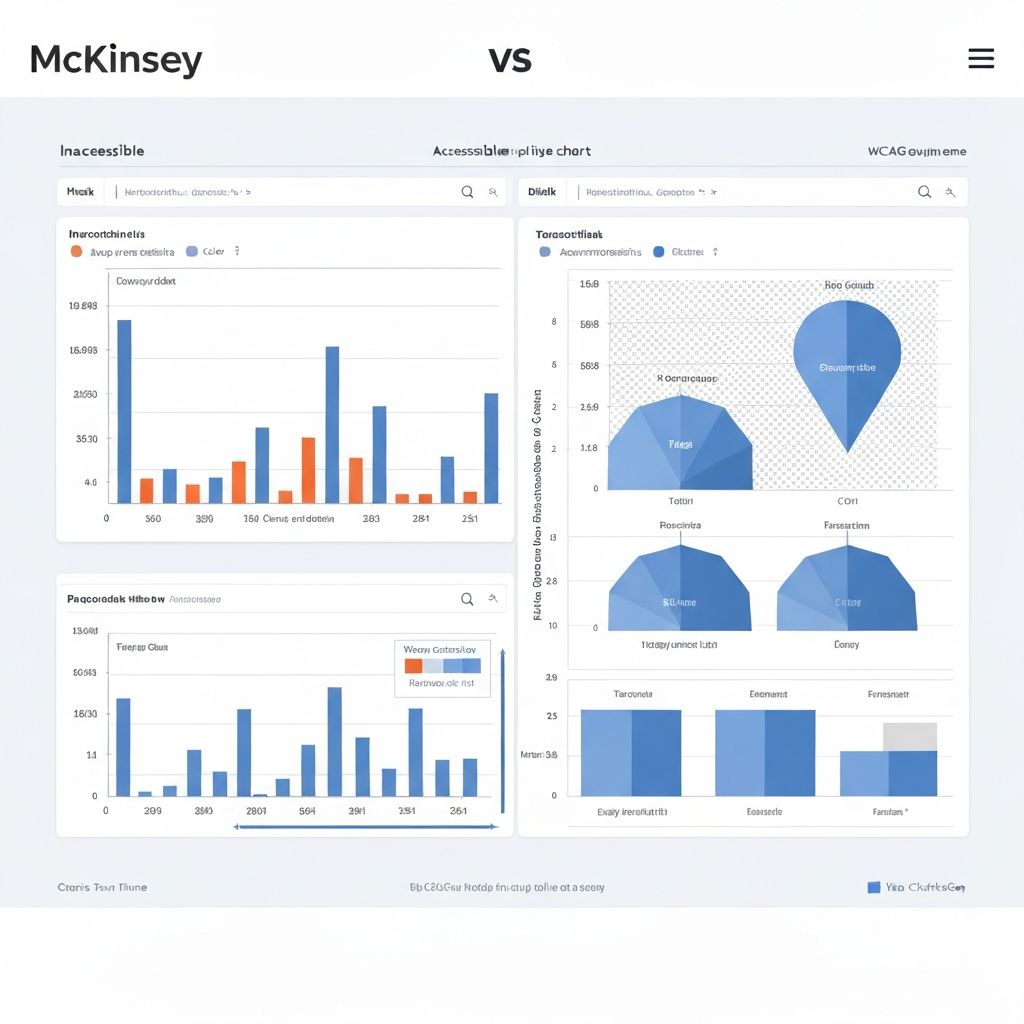
I ran an accessibility audit on 200 data dashboards last year. The results were sobering: 94% had at least one critical accessibility issue.
The most common problem? Color-only encoding. Charts that were completely unreadable for the 300 million people worldwide with color vision deficiency.
Let's fix this.
Why Chart Accessibility Matters
Beyond the ethical imperative, there's a business case:
- 15% of the global population has some form of disability
- Color blindness affects 8% of men and 0.5% of women
- Accessible design often improves usability for everyone
And increasingly, it's the law. WCAG compliance is required for government sites and many enterprises.
The Four Pillars of Chart Accessibility
1. Color Independence
The rule: Never use color as the only way to convey information.
Bad: A line chart with red for "sales" and green for "profit" with no other differentiation.
Good: Same chart, but sales has a solid line and profit has a dashed line. Or different marker shapes. Or direct labels.
Practical fixes:
- Add patterns or textures to filled areas
- Use different line styles (solid, dashed, dotted)
- Include direct labels on data points
- Use shapes for scatter plot points
- Add a clear legend that doesn't rely on color matching
Color palette tips:
- Use a colorblind-safe palette (tools like ColorBrewer help)
- Ensure sufficient contrast between adjacent colors
- Test with a colorblind simulator (Chrome DevTools has one)
2. Screen Reader Support
Charts are inherently visual. Making them work with screen readers requires intentional effort.
Essential elements:
- Alt text that describes the chart's key message, not just its structure
- Data tables as an alternative representation
- Proper heading hierarchy around the chart
- ARIA labels for interactive elements
Writing good alt text:
Bad: "A bar chart showing sales data"
Good: "Bar chart showing Q3 2025 sales by region. Western region leads with $2.3M, followed by Eastern at $1.8M, Central at $1.4M, and Southern at $0.9M."
The alt text should answer: What would someone need to know if they couldn't see this chart?
For complex charts, provide a data table alternative. Wrap your chart image in a figure element with descriptive alt text, and include a collapsible details section containing the underlying data table.
3. Keyboard Navigation
Interactive charts must be keyboard accessible.
Requirements:
- All interactive elements reachable via Tab
- Clear focus indicators
- Logical tab order
- Keyboard shortcuts for common actions (with documentation)
For complex interactive dashboards:
- Provide a way to skip past the chart
- Allow keyboard users to access the same information as mouse users
- Include a way to pause any auto-updating data
Testing: Unplug your mouse and try to use your chart. Can you access all the information?
4. Cognitive Accessibility
Not all accessibility issues are about sensory disabilities. Cognitive load matters too.
Guidelines:
- Keep charts simple; one main message per chart
- Avoid jargon in labels and annotations
- Use consistent formatting across a dashboard
- Provide context and explanations
- Avoid auto-playing animations
The 5-second test: Can someone understand the main point of your chart in 5 seconds? If not, simplify.
Common Chart Types and Their Challenges
Pie Charts
- Problem: Color-only segments
- Fix: Add patterns, labels directly on segments, or a clear legend with values
Line Charts
- Problem: Multiple lines distinguished only by color
- Fix: Different line styles, direct labels, or interactive hover states
Bar Charts
- Problem: Low contrast between bars and background
- Fix: Ensure 3:1 contrast ratio minimum, add borders to bars
Heatmaps
- Problem: Color gradients are meaningless without vision
- Fix: Add numerical values in cells, provide data table alternative
Scatter Plots
- Problem: Overlapping points, color-only categories
- Fix: Different marker shapes, adjustable opacity, data table
Testing Your Charts
Automated Testing
- axe DevTools for general accessibility
- WAVE for quick visual checks
- Lighthouse accessibility audit
Manual Testing
- Colorblind simulators (Sim Daltonism, Chrome DevTools)
- Screen reader testing (NVDA, VoiceOver, JAWS)
- Keyboard-only navigation
- Zoom to 200% (does the chart still work?)
User Testing
- Include people with disabilities in your user research
- Don't assume; ask about actual pain points
Quick Wins You Can Implement Today
- Add alt text to every chart (describe the insight, not just the type)
- Include a data table alternative
- Check color contrast (3:1 minimum for graphics)
- Test with a colorblind simulator
- Verify keyboard navigation works
- Add visible focus indicators
Tools That Help
ChartGen and other modern tools are starting to include accessibility features by default. Look for:
- Built-in alt text suggestions
- Colorblind-safe palette options
- Automatic pattern overlays
- Data table generation
But tools aren't magic. You still need to review and customize for your specific context.
The Business Impact
An accessibility consultant friend shared this story: A financial services company fixed accessibility issues in their investor dashboard. The result? 23% increase in engagement from all users, not just those with disabilities.
Accessible design is usually just better design.
Resources
- WCAG 2.1 guidelines (specifically 1.4.1 Use of Color and 1.1.1 Non-text Content)
- Chartability project for chart-specific guidance
- A11y Style Guide for component patterns
- Color blindness simulation tools
Final Thought
You wouldn't build a building without a ramp. Why build a dashboard without accessibility?
The effort to make charts accessible is modest. The impact is significant. Start with one chart, apply these principles, and build from there.