


I've spent fifteen years researching how people perceive visual information. Color in data visualization is one of those areas where intuition often fails us.
Let me share what the research actually shows.
The Three Jobs of Color in Charts
Before choosing colors, understand what you're asking color to do:
1. Distinguish Categories
When you have different data series (Product A, Product B, Product C), color helps viewers tell them apart.
Research finding: People can reliably distinguish about 5-8 colors at a glance. Beyond that, viewers start confusing categories. This is why expert data visualizers limit their palettes.
2. Encode Values
In heatmaps and choropleth maps, color represents quantity. Darker = more, lighter = less (or vice versa).
Research finding: Sequential color scales (light to dark in one hue) work better than diverging scales for most quantitative data. We intuitively understand "more saturated = more intense."
3. Draw Attention
Color highlights what's important. The red bar among gray bars says "look here."
Research finding: A single highlight color against a neutral background is more effective than multiple "important" colors competing for attention.
The Cultural Baggage of Color
Colors carry meaning, but that meaning varies by context and culture.
Red
Western context: Danger, loss, stop, negative, urgency
Financial context: Loss, down, sell
Design context: Error, alert, attention
In China: Good luck, prosperity, celebration
In stock markets: Often reversed (red = up in some Asian markets)
The safe approach: Use red for "bad" or "attention needed" only when your audience shares that cultural context. Consider shape or position cues as backup.
Green
Generally: Growth, go, positive, nature, success
Financial context: Gain, up, buy, profit
Fairly universal, but note that in some cultures, green has religious significance.
The safe approach: Pair green with "up" or "good" concepts, but use another distinguishing feature (like arrow direction) for critical information.
Blue
Generally: Trust, stability, calm, professional
Corporate context: The most common brand color for a reason
Low risk: Blue is the safest color choice across cultures and contexts. It's also the most distinguishable for people with color vision deficiencies.
Orange/Yellow
Generally: Warning, caution, energy, attention
Status indicators: Often used for "warning" or "needs attention"
The trap: Yellow on white has poor contrast. Orange can feel aggressive.
The Accessibility Reality
Here's what many data visualizers ignore: approximately 8% of men and 0.5% of women have some form of color vision deficiency. That's roughly 300 million people worldwide.
What Colorblind Users See
Red-green colorblindness (most common): Red and green appear as similar muddy brown tones.
Implication: Never rely solely on red vs. green to distinguish categories. It's invisible to a significant portion of your audience.
Solutions That Work
- Use colorblind-friendly palettes: Blue-orange, blue-yellow, and purple-orange have good separation for most types of color vision deficiency.
- Add secondary encoding: Patterns, shapes, or labels that work without color.
- Use sufficient luminance contrast: Even without color, lighter and darker shades can be distinguished.
- Test your work: Tools like Coblis (Color Blindness Simulator) show how your chart looks to colorblind users.
The Research on Color and Comprehension
Study: Cleveland and McGill (1984)
Finding: Position along a common scale is more accurately perceived than color saturation.
Implication: Don't rely on color intensity to convey precise values. Use it for general patterns; use position (bars, points) for precise comparison.
Study: Healey (1996)
Finding: A unique color "pops out" from a background in under 200ms, regardless of how many other items are present.
Implication: For highlighting, choose a color that's distinctly different from everything else. Subtle differences don't pop.
Study: Borland and Taylor (2007)
Finding: Rainbow color schemes (red-yellow-green-blue-purple) are often misinterpreted because they have no natural perceptual ordering.
Implication: For sequential data, use a single-hue gradient. For diverging data, use two colors with a neutral midpoint.
Building a Color System for Data
Step 1: Choose Your Primary Palette
You need:
- 1-2 brand colors (for alignment with company identity)
- 1 highlight color (for emphasis)
- 1 neutral (gray, for de-emphasis)
- 2-3 categorical colors (if you need them)
That's it. Most visualizations need 4-6 colors total.
Step 2: Define the Hierarchy
Decide what each color means:
- Highlight color = most important, action needed
- Primary = main data series, focus area
- Secondary = comparison data, context
- Neutral = background, less important
Use this consistently across all your visualizations.
Step 3: Create Sequential Scales
For heatmaps and intensity data:
- Pick one hue
- Create 5-7 shades from light to dark
- Ensure sufficient contrast between adjacent shades
Tools like ColorBrewer2 generate these scales with accessibility in mind.
Step 4: Test and Document
Test your palette with:
- Colorblind simulation tools
- Low contrast displays
- Printed versions (if applicable)
Document your color codes so everyone uses them consistently.
Practical Color Guidelines
Do:
- Use blue as your default "safe" color
- Limit categorical palettes to 5-7 colors
- Make highlight colors obviously different
- Test for accessibility
- Be consistent across dashboards
Don't:
- Use rainbow palettes for sequential data
- Rely on red-green distinction alone
- Use multiple highlight colors
- Change color meanings mid-dashboard
- Use color as the only way to distinguish categories
Color in Different Chart Types
Bar Charts
Best: Solid single color with one highlight
Okay: 2-3 colors for grouped bars
Avoid: Every bar a different color (unless meaningful categories)
Line Charts
Best: 2-3 clearly different colors
Okay: Varying line styles (solid, dashed) as backup
Avoid: More than 4-5 lines in different colors
Heatmaps
Best: Single-hue sequential scale
Okay: Diverging scale (two colors) with meaningful midpoint
Avoid: Rainbow or high-saturation schemes
Pie Charts
Best: 2-3 colors with clear meaning
Okay: Highlighting one slice against neutral others
Avoid: 7+ different colors around the circle
Tools That Help
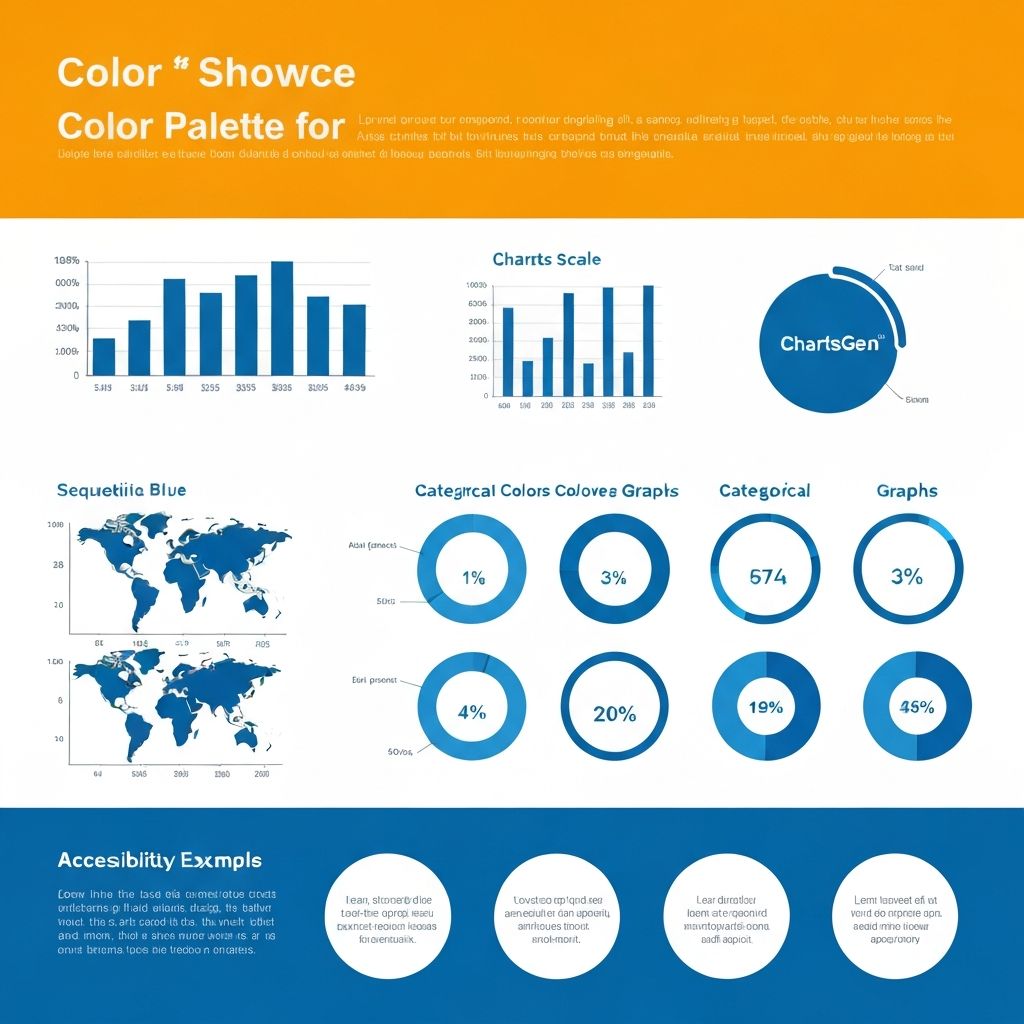
Many modern visualization tools include thoughtfully designed color palettes. AI-powered tools like ChartGen apply color research automatically—suggesting accessible palettes and maintaining consistency.
For manual work, I recommend:
- ColorBrewer2 (sequential and diverging scales)
- Viz Palette (checking for accessibility)
- Coolors (palette generation with accessibility scores)
Final Thought
Color is powerful because it's processed pre-attentively—before conscious thought. This makes it both effective and dangerous.
Effective: The right color pops out and guides attention instantly.
Dangerous: The wrong color distracts, excludes users, or misleads interpretation.
The goal isn't to use the most colors. It's to use color so intentionally that viewers barely notice it—they just understand the data faster.