


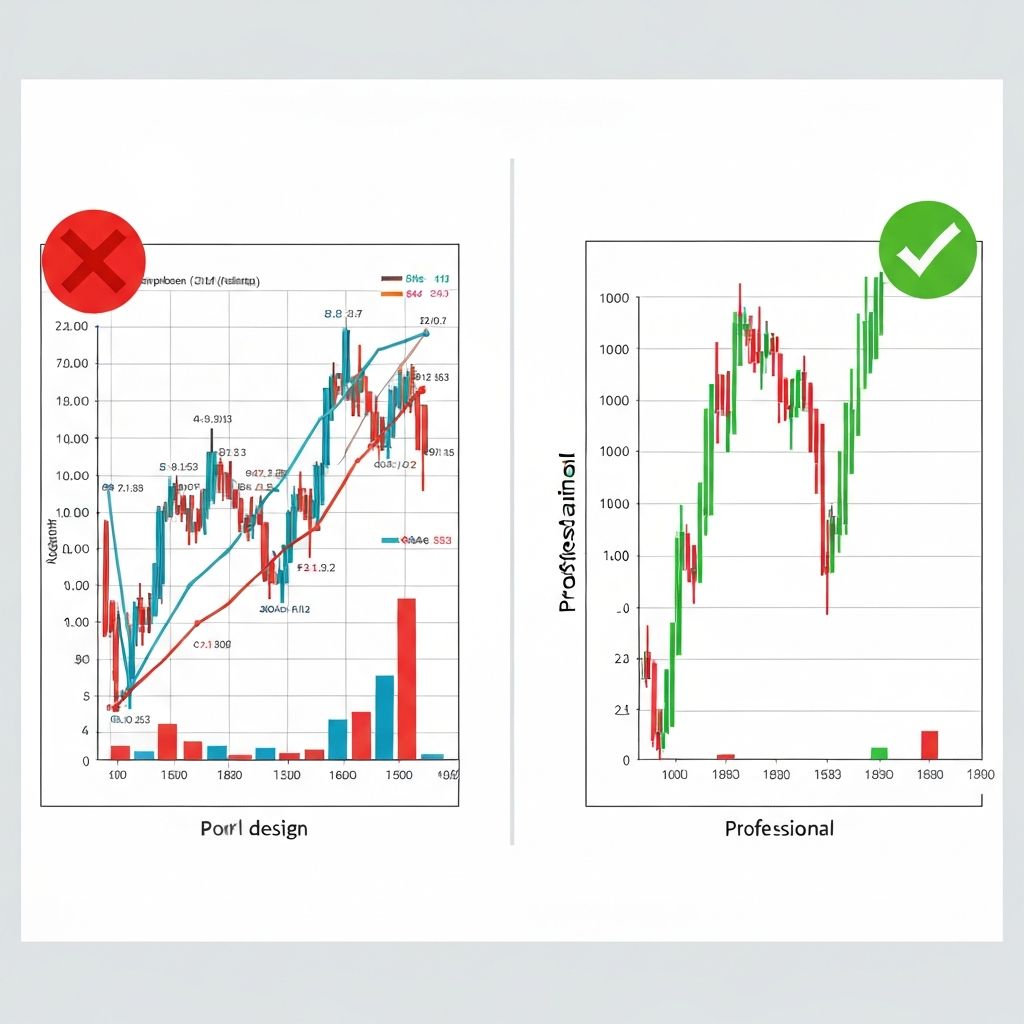
Ten years ago, I made a chart that cost my company a client.
It wasn't wrong, technically. But the 3D pie chart with seven segments, each in a different color, failed to communicate that one product line was hemorrhaging money. The client looked at it, nodded politely, and made the wrong decision.
I've been obsessed with avoiding visualization mistakes ever since.
Mistake #1: The Kitchen Sink Dashboard
Symptoms: 15 charts on one screen. Five different chart types. Colors everywhere. Scrolling required.
Why it happens: "We might need this data" thinking. Fear of leaving something out.
The fix: Ask "what decision does this dashboard support?" and remove everything that doesn't directly serve that decision. I aim for 3-5 visualizations max per dashboard.
Real talk: I once inherited a dashboard with 47 charts. After interviewing the users, we learned they only looked at 6 of them. We rebuilt it in a day.
Mistake #2: Misleading Y-Axes
Symptoms: Y-axis that doesn't start at zero (when it should). Truncated axes that exaggerate differences.
Why it happens: Sometimes intentional manipulation. Usually just default tool behavior.
The fix: For bar charts, always start at zero. For line charts, it depends—if you're showing small percentage changes, starting at a higher value can be appropriate, but annotate clearly.
The test: Would a reasonable person be misled by this axis? If yes, fix it.
Mistake #3: Rainbow Palettes
Symptoms: Every data series in a different color. Red, orange, yellow, green, blue, purple all on one chart.
Why it happens: Default software palettes. Belief that "more colors = easier to distinguish."
The fix: Use one highlight color for what matters. Gray for everything else. If you must use multiple colors, stick to 3-4 from the same family.
The research: Rainbow palettes are particularly problematic because they have no natural order. Is red bigger than blue? Our brains don't know, so they work harder.
Mistake #4: Chart Junk
Symptoms: 3D effects. Heavy gridlines. Decorative elements. Background images. Drop shadows.
Why it happens: Tools make it easy. People think it looks "professional" or "engaging."
The fix: Remove everything that doesn't directly convey information. When in doubt, take it out.
Edward Tufte calls this "chartjunk" and he's right—every pixel should work toward understanding the data.
Mistake #5: Wrong Chart for the Data
Symptoms: Pie charts with 12 segments. Line charts for categorical data. Bar charts for time series with 100+ points.
Why it happens: Not thinking about what the chart needs to communicate.
The fix: Match the chart type to the question you're answering:
- Comparing values? → Bar chart
- Showing trends? → Line chart
- Part of whole? → Stacked bar (or pie if 4 segments or fewer)
- Correlation? → Scatter plot
Mistake #6: No Clear Hierarchy
Symptoms: Everything is the same size. No visual emphasis. The most important insight doesn't stand out.
Why it happens: Treating all data as equally important.
The fix: Use size, color, and position to create emphasis. The most important number should be the biggest. The key chart should be in the top-left.
I use the "squint test"—squint at your dashboard. Does the most important thing still stand out? If not, strengthen the hierarchy.
Mistake #7: Missing Context
Symptoms: Numbers without comparison. Trends without explanation. Data without meaning.
Why it happens: Assuming the audience knows what "good" looks like.
The fix: Always show comparison—previous period, target, benchmark, or average. Add annotations for significant events. Include brief text explaining what the viewer should take away.
Bad: "Revenue: $2.3M"
Better: "Revenue: $2.3M (+15% vs target)"
Mistake #8: Overcomplicating the Simple
Symptoms: Bubble charts when a bar chart would work. Sankey diagrams for simple flows. Radar charts for basic comparisons.
Why it happens: Desire to look sophisticated. Boredom with "basic" charts.
The fix: Use the simplest chart that conveys your message. Complex charts should be reserved for complex relationships that simpler charts can't show.
My rule: If you have to explain how to read the chart, pick a different chart.
Mistake #9: Inconsistent Design
Symptoms: Different color schemes across charts. Varying fonts. Mismatched styles on the same page.
Why it happens: Charts created at different times. Multiple people contributing. No style guide.
The fix: Establish a visual language and stick to it. Same colors mean same things. Same chart types for same data types. Consistent typography.
This matters more than people think. Inconsistency forces the viewer to re-learn how to read each chart.
Mistake #10: Ignoring Accessibility
Symptoms: Red-green color combinations. Low contrast. Small text. No alt text.
Why it happens: Not thinking about diverse users. Testing only on your own setup.
The fix:
- Use colorblind-friendly palettes (many tools offer these)
- Ensure sufficient contrast (WCAG guidelines help)
- Include patterns or labels, not just color, to distinguish categories
- Add descriptive titles and alt text
About 8% of men have some form of color vision deficiency. That's probably someone on your team or in your audience.
The Meta-Mistake
The biggest mistake isn't any of these individually—it's not testing your visualizations with real users.
Show your chart to someone who doesn't know the data. Ask them what it's saying. Time how long it takes them to understand.
If they struggle, it's not their fault. It's the chart's fault.
What Good Looks Like
The best visualizations I've seen share common traits:
- One clear message per chart
- Obvious hierarchy (you know what to look at first)
- Minimal decoration
- Consistent design
- Context for interpretation
- Accessible to diverse viewers
Tools That Help
Modern tools like ChartGen help avoid many of these mistakes by applying best practices automatically. The AI won't suggest a pie chart with 12 slices or apply 3D effects.
But tools are aids, not replacements for judgment. Understanding why these mistakes are problems makes you better at catching them—regardless of what software you use.
Final Thought
Every visualization mistake shares a root cause: prioritizing what looks impressive over what communicates clearly.
The goal isn't to impress. It's to inform.
When you catch yourself adding something "because it looks good," pause and ask: does this help someone understand the data faster?
If not, delete it.