


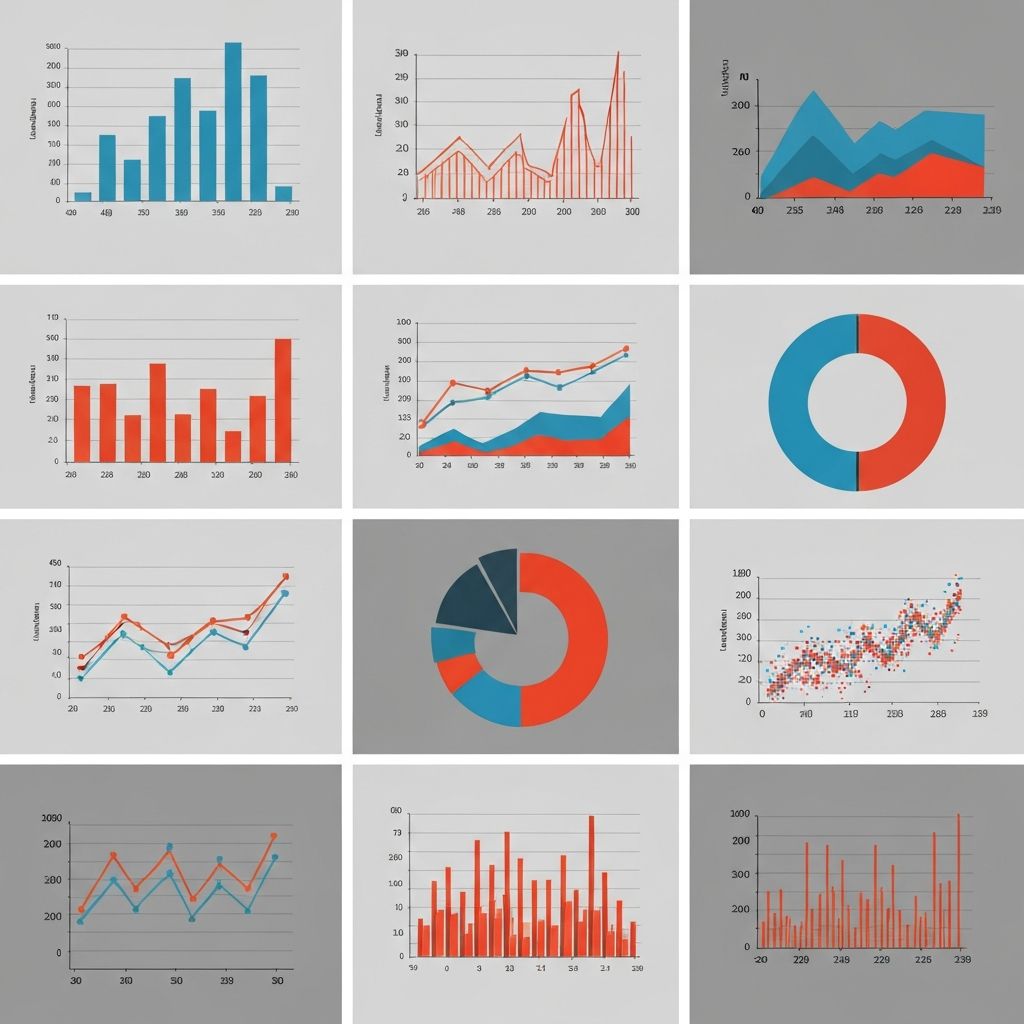
I've spent the last three years reviewing dashboards for Fortune 500 companies. Want to know the most common mistake I see? People picking charts based on what looks "cool" instead of what actually communicates their data.
Let me save you from making the same mistakes.
The Only Question That Matters
Before you even think about chart types, ask yourself: What decision will someone make after seeing this?
Not "what data do I have?" Not "what chart haven't I used yet?"
The decision question changes everything.
The Four Scenarios (And What Works)
1. Showing Change Over Time
Use this when: Your audience needs to spot trends, identify patterns, or understand how something evolved.
What works:
- Line charts for continuous data (stock prices, temperature, website traffic)
- Area charts when you want to emphasize volume or cumulative values
- Bar charts for discrete time periods (quarterly revenue, annual comparisons)
What doesn't work: Pie charts. I've seen people use pie charts to show "market share over 5 years" with 5 separate pies. Please don't do this.
Real example: A client was using a table to show monthly sales. 47 rows of numbers. Nobody was reading it. We switched to a simple line chart with trend annotation. Suddenly, the 23% Q4 spike was obvious—and actionable.
2. Comparing Categories
Use this when: You're answering "which is bigger?" or "how do these stack up?"
What works:
- Horizontal bar charts when you have long category names or many categories (more than 5)
- Vertical bar charts for fewer categories or when there's a natural order
- Grouped bars for comparing across two dimensions
The Cleveland rule: Our eyes judge horizontal position better than vertical height. That's why bar charts beat pie charts for comparison—every time.
Pro tip: Sort your bars. Unsorted bar charts are lazy and force your audience to do the work.
3. Understanding Part-to-Whole
Use this when: You need to show composition or proportions.
What works:
- Pie charts only with 2-4 segments (controversial opinion: they're not always terrible)
- Stacked bar charts for comparing composition across categories
- Treemaps for hierarchical data with many categories
What actually happens: Everyone uses pie charts wrong. If your segments are close in size (45% vs 42%), a pie chart won't help anyone see the difference. Use a bar chart instead.
The 25% rule: If no segment is at least 25% of the total, skip the pie chart entirely.
4. Finding Relationships
Use this when: You're exploring correlation, clustering, or outliers.
What works:
- Scatter plots for two continuous variables
- Bubble charts when you need a third dimension (use sparingly)
- Heatmaps for correlation matrices or dense categorical comparisons
Warning: Correlation charts are often misused to imply causation. Be careful with your annotations.
The Decision Framework I Actually Use
Here's my 30-second decision process:
- Time involved? → Line or area chart
- Comparing things? → Bar chart (horizontal if >5 categories)
- Showing proportions? → Stacked bar (or pie if 4 segments or fewer)
- Finding patterns? → Scatter or heatmap
That's it. Seriously.
Common Mistakes I See Weekly
Mistake 1: Too many chart types in one dashboard
Pick 2-3 chart types max. Consistency helps comprehension.
Mistake 2: Dual-axis charts
These are almost always confusing. Split into two charts instead.
Mistake 3: 3D effects
Just... no. They distort perception and add nothing.
Mistake 4: Rainbow colors
Use color intentionally. One highlight color. Gray for everything else.
What About AI Chart Tools?
Full disclosure: I work with ChartGen, so I'm biased. But here's what I've observed—AI tools are genuinely good at suggesting chart types because they don't have the "I want to use this cool chart I just learned about" bias that humans have.
The AI will suggest a boring bar chart when a boring bar chart is the right answer. Sometimes boring is exactly what you need.
Quick Reference
| Your Goal | First Choice | Alternative |
|---|---|---|
| Trend over time | Line chart | Area chart |
| Category comparison | Bar chart | Dot plot |
| Part of whole | Stacked bar | Treemap |
| Relationship | Scatter plot | Heatmap |
| Distribution | Histogram | Box plot |
Final Thought
The best chart is the one your audience understands in 5 seconds. Not the one that shows off your data skills.
When in doubt, show it to someone who doesn't know the context. If they can't tell you what the chart says within 10 seconds, simplify.