


I'm going to be honest: I'm a 15-year Excel veteran. I've built models that would make your head spin. I know VBA. I have custom ribbon tabs. I dream in pivot tables.
And last month, I finally admitted that Excel isn't the best tool for data visualization.
Here's what happened.
The Breaking Point
I was preparing our quarterly board deck. The same deck I'd prepared 60+ times before. The same process:
- Export data from various systems
- Clean in Excel (45 minutes)
- Build pivot tables (30 minutes)
- Create charts (60 minutes)
- Format charts to look professional (90 minutes)
- Copy to PowerPoint (20 minutes)
- Adjust because copy/paste broke something (30 minutes)
Four and a half hours. Every quarter. For charts that looked... fine.
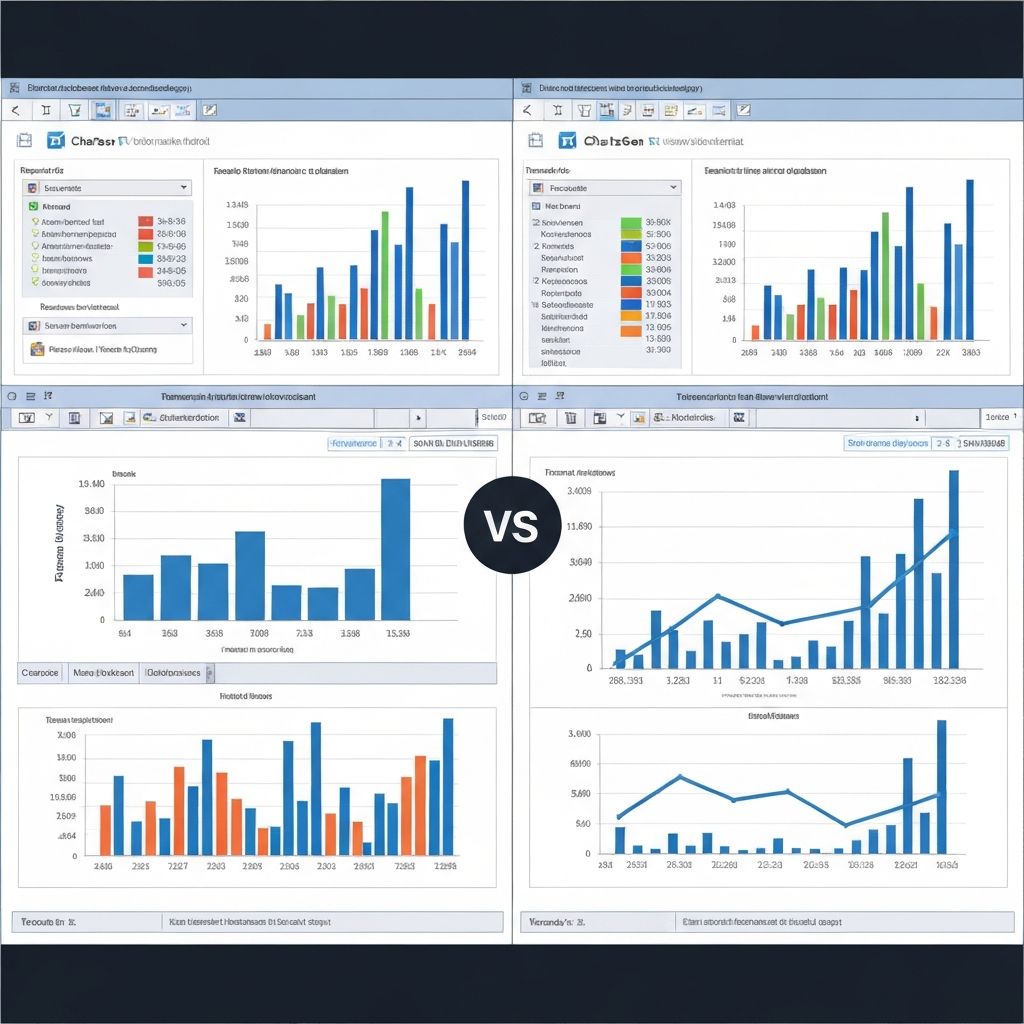
Then my colleague showed me what she'd built in 20 minutes using ChartGen. Same data. Better looking charts. Consistent styling. Ready to present.
I felt two things: defensive ("Excel can do that!") and curious ("...but can it do it that fast?").
What I Actually Like About Excel Charts
Let me be fair to Excel. After 15 years, here's what it does well:
1. Flexibility
You can customize literally everything. Every line, every label, every pixel. If you're willing to invest the time, Excel charts can look exactly how you want.
2. Integration with Data
Your chart sits right next to your data. Change a number, chart updates. No export/import cycle.
3. Familiarity
Everyone knows Excel. Sharing an Excel file means the recipient can edit, explore, and understand without new software.
4. Offline/Local
No cloud dependency. No subscription for basic features. It just works.
What Finally Frustrated Me
1. Default Styling
Excel's default charts look like they're from 2003 because they literally are. Gray backgrounds, unnecessary gridlines, cluttered legends.
Yes, you can fix all of this. But you have to fix it every single time.
2. Consistency
Even with templates, keeping charts consistent across a 50-slide deck is painful. Font got changed? Fix it in 47 places.
3. Limited Chart Types
Waterfall charts weren't even native until recently. Heatmaps require workarounds. Anything modern (Sankey, treemaps) needs plugins or manual construction.
4. Mobile/Web
Excel charts don't translate well to web or mobile presentations. They're designed for print and static display.
5. Collaboration
"Which version is current?" The eternal question of Excel-based workflows.
The Experiment
I spent one month trying alternatives for my regular visualization tasks:
Tools Tested
- Tableau (industry standard, expensive)
- Power BI (Microsoft ecosystem, complex)
- Google Sheets charts (free, limited)
- ChartGen (AI-powered, simple)
- Datawrapper (web-focused, clean)
My Test Cases
- Weekly sales report (simple bar chart)
- Quarterly board deck (multiple chart types)
- Ad-hoc analysis for executives (quick turnaround)
- Financial model outputs (complex data)
What I Learned
Tableau
Good: Powerful, beautiful output, industry-recognized
Bad: Steep learning curve, expensive, overkill for simple tasks
Verdict: Great if visualization is your primary job. Too heavy for occasional use.
Power BI
Good: Integrates with Microsoft ecosystem, familiar interface
Bad: Still complex, report-focused rather than chart-focused
Verdict: Makes sense if your company is already invested in Microsoft BI.
Google Sheets
Good: Free, collaborative, good enough for basics
Bad: Even worse defaults than Excel, limited customization
Verdict: Only for very simple needs.
ChartGen
Good: Fast, AI handles styling decisions, consistent output, multiple chart types
Bad: Less control over every pixel, requires describing what you want
Verdict: Surprisingly effective for 80% of my use cases.
Datawrapper
Good: Clean defaults, easy to use, great for web publishing
Bad: Limited interactivity, less suited for complex business charts
Verdict: Perfect for publishing charts, less ideal for internal reporting.
My New Workflow
After the experiment, here's what I settled on:
For Quick Analysis
ChartGen. Paste data, describe what I want, get a professional chart. 5 minutes instead of 45.
For Board Decks
Combination of ChartGen for standard charts and Excel for complex financial models that need to stay connected to underlying calculations.
For Exploration
Still Excel. Pivot tables for exploring data are unmatched. But I use modern tools for the final presentation.
For Web/Sharing
Datawrapper or export from ChartGen. Nobody wants an Excel file anymore.
The Productivity Gain
One month in, tracking my time:
Before: ~8 hours/week on visualization tasks
After: ~3 hours/week on the same tasks
That's 5 hours/week, or roughly 250 hours/year. The equivalent of 6+ work weeks.
The quality improved too. Consistent styling, better defaults, more professional output.
What I Miss About Excel
It's not all positive. Here's what I genuinely miss:
- Direct data connection: In Excel, chart and data live together. With external tools, there's an export/import step.
- Pixel control: Sometimes I want to move that one label 3 pixels to the left. Modern tools don't always allow this.
- Offline confidence: I can work on a plane with Excel. Cloud tools need connectivity.
- Universal compatibility: Everyone can open Excel. Not everyone has accounts for specialized tools.
Advice for Excel Users Considering the Switch
Start with one use case
Don't try to replace everything at once. Pick your most annoying recurring task and experiment.
Keep Excel for analysis
Excel's strength is data manipulation and modeling. Use it for that, then export for visualization.
Learn the mental shift
AI tools like ChartGen require describing what you want in words, not clicking through menus. It's different, not harder—but it takes adjustment.
Track your time
Measure how long tasks actually take. The numbers might surprise you.
Accept "good enough"
Modern tools make decisions for you. The output might not be exactly what you would have chosen, but it's probably good enough—and produced in a fraction of the time.
Final Thought
I'm not an Excel hater. I still use it daily for modeling and analysis.
But for visualization—for the task of turning data into something people can understand quickly—modern tools are simply better.
The goal was never to be good at Excel. The goal was to communicate insights effectively. If a tool helps me do that in 20% of the time, the tool wins.
Even if it means admitting that my 15 years of Excel chart expertise are now... less valuable.
That's okay. The insights matter more than the tool.