


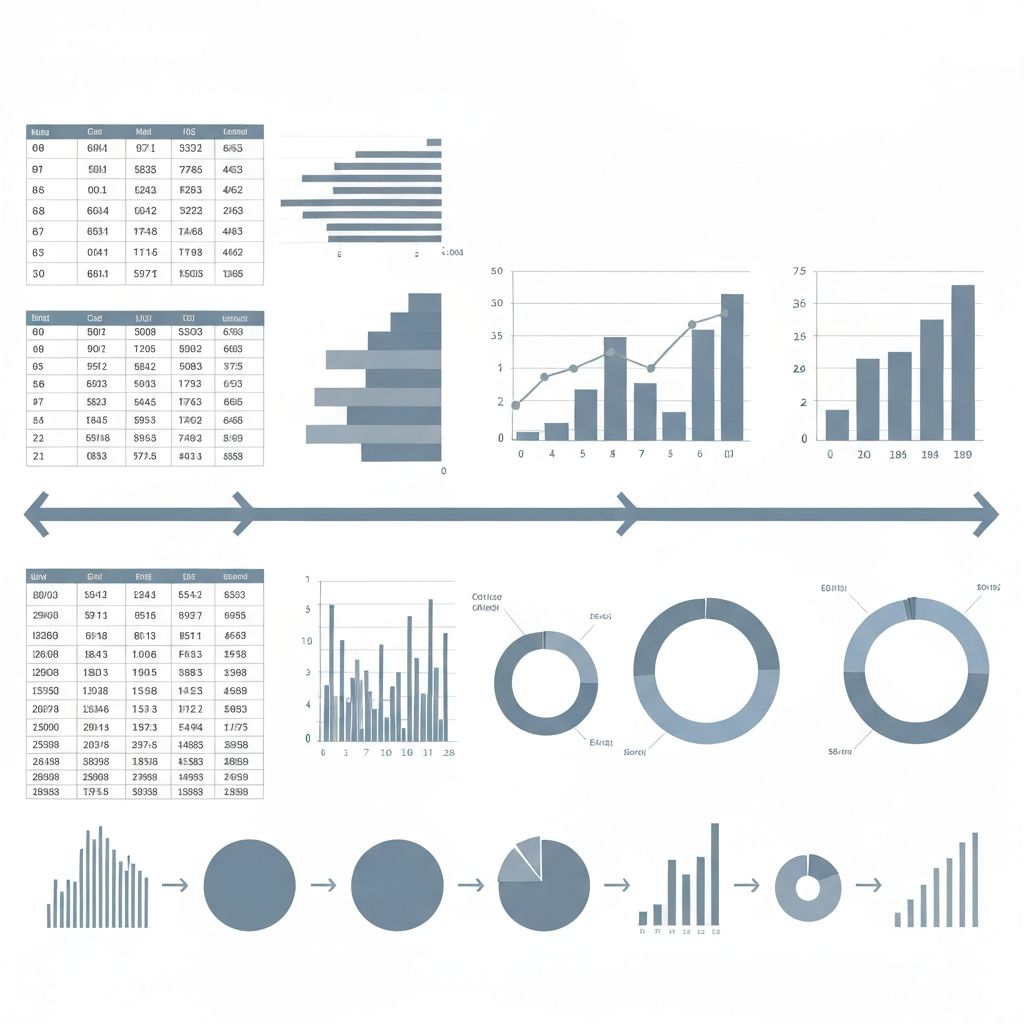
I spent ten years as a newspaper journalist before switching to data. The most important thing I brought with me wasn't Excel skills—it was story structure.
Here's the secret: data presentations that feel compelling follow the same structure as engaging stories. Let me show you how.
The Problem with Most Data Presentations
They're structured like this:
- Here's data
- Here's more data
- Here's analysis
- Here's more data
- Conclusion
This is information, not narrative. It demands attention without earning it.
Compare to how stories work:
- Setup: Establish context and stakes
- Tension: Present a problem or question
- Journey: Explore complications and possibilities
- Resolution: Arrive at insight or call to action
Same information, completely different experience.
The Classic Narrative Arc Applied to Data
Act 1: The Hook (10% of your presentation)
Open with something that matters to your audience. Not with "let me show you our quarterly data." With something like:
- "We're losing $2M per month—and I think I know why."
- "Our fastest-growing segment has a problem."
- "Everyone thinks X, but the data shows Y."
The hook establishes stakes. Why should anyone care? What decision hangs in the balance?
Your first chart should reinforce the hook—a single, striking visualization that demands attention. Not a complex dashboard. One chart, one message.
Act 2: The Journey (70% of your presentation)
This is where you explore the data. But not in a "here's everything we looked at" way.
Structure the journey as a series of questions and answers:
"So I asked: where is the $2M going?"
[Chart showing revenue by category]
"That pointed to Category B. But why?"
[Chart breaking down Category B]
"When I dug deeper, a pattern emerged."
[Trend chart showing the problem developing]
Each chart answers one question and raises another. This creates momentum—the audience wants to know what's next.
The middle is where you can get complex. But complexity earns its place by solving the mystery, not by impressing with thoroughness.
Act 3: The Resolution (20% of your presentation)
Don't end with "questions?" End with:
- The insight: "The problem is X, caused by Y."
- The implication: "If we don't address this, Z will happen."
- The call to action: "Here's what I recommend."
Your final chart should be the "aha moment"—the visualization that makes everything click. Often, it's a simple chart. The journey built the understanding; the ending delivers the payoff.
Narrative Techniques That Work in Data
Technique 1: The Contrast
Humans process differences better than absolutes. Instead of "Revenue is $10M," show:
- $10M vs. target
- $10M vs. last year
- $10M vs. competitor
The contrast creates meaning. "We're 20% ahead of target" is a story. "$10M" is just a number.
Technique 2: The Zoom
Start wide, go narrow. Or start narrow, go wide.
Wide to narrow: "Here's the industry trend. Here's our sector. Here's our company. Here's the team causing the issue."
Narrow to wide: "One customer complained. Then ten. Then a hundred. This isn't a customer problem—it's a product problem that affects our entire market."
Zooming creates a sense of discovery. The audience travels with you from one scale to another.
Technique 3: The Surprise
Subvert expectations. "You might think X... but actually Y."
Setup: "Our most profitable product is..."
Expected answer: The obvious best-seller
Actual answer: Something unexpected
Surprises are memorable. They make audiences sit up. But use them sparingly—if everything is surprising, nothing is.
Technique 4: The Human Element
Data is abstract. Humans are concrete. Translate whenever possible.
Instead of: "User retention dropped 15%"
Try: "We lost 50,000 users. That's a stadium full of people who chose to leave."
Instead of: "Average order value increased by $12"
Try: "Every customer bought one more item. Across 100,000 orders, that's like adding a new product line."
The human framing makes abstract numbers tangible.
Technique 5: Tension and Release
Build tension before resolving it. Data presentations often jump to conclusions too fast.
Build tension:
- Show the problem getting worse over time
- Present contradictory data that complicates the obvious answer
- Raise the stakes ("If this continues...")
Then release:
- Reveal the insight that explains everything
- Show the solution's impact
- End with clarity
The release feels more satisfying because of the tension that preceded it.
The One-Chart Story
Not every presentation is long. Sometimes you need one chart to make one point. Even then, story structure helps.
Setup: The title (what question we're answering)
Context: The subtitle or annotation (why this matters)
Data: The visualization (the evidence)
Takeaway: The annotation or callout (what to conclude)
Example title progression:
- Bad: "Q3 Revenue by Region"
- Better: "Western Region Drives Growth"
- Best: "Western Region Grew 40%—Double the Company Average"
The title itself tells the story. The chart proves it.
Common Storytelling Mistakes
Mistake 1: Too Many Subplots
Stick to one main thread. Secondary findings go in the appendix, not the main presentation.
Mistake 2: Burying the Lead
Journalists call this burying the lead—hiding the important stuff deep in the story. In data terms: making people sit through 20 minutes of background before the insight.
If you must provide background, do it after the hook, not before.
Mistake 3: No Antagonist
Stories need conflict. In data presentations, the antagonist might be:
- The competitor
- The market trend
- The internal process
- The conventional wisdom
Without something to push against, the narrative falls flat.
Mistake 4: Forgetting the Audience
The best story in the world fails if it doesn't connect to what the audience cares about. A board presentation and a team meeting tell different stories from the same data.
Building Your Data Story: A Checklist
Before presenting:
- What's the one thing I want them to remember?
- Why should they care? (Stakes)
- What's the surprising or interesting element?
- What should they do with this information?
- If they only see one chart, which one?
During structure:
- Does the opening hook attention?
- Does each section raise and answer a question?
- Is there a clear moment of insight?
- Does the ending drive action?
Tools That Support Storytelling
Traditional BI tools are built for exploration, not narrative. They're great for finding stories, less great for telling them.
For storytelling, I recommend:
- Presentation tools (Keynote, PowerPoint) for controlled narrative flow
- AI tools like ChartGen for quickly generating clean, consistent charts
- Scrollytelling tools for interactive web presentations
The tool matters less than the structure. A compelling story in basic slides beats a weak story in fancy software.
Final Thought
Data doesn't speak for itself. It never has. Your job isn't to show data—it's to create understanding.
The difference between forgettable presentations and memorable ones isn't the complexity of analysis or the beauty of charts. It's whether there's a story that takes the audience from confusion to clarity.
Start with the story. Build the data around it.